How to Choose an Ergonomic Chair in Singapore (2026)
9 min read
A useful ergonomic chair should fit your body and your daily work, not just look adjustable on a product page.

Use this as the chair-shortlisting guide. It helps you compare current options by work style and adjustment range. Once you have chosen a chair, use the chair adjustment guide to set it up with your desk and screen.
Direct answer: what should you buy?
For mostly upright desk work, start with a chair that gives you usable lumbar support, armrest adjustment, and a seat position that lets your feet rest flat. If your day combines desk work with longer reclined gaming or entertainment sessions, compare recline range and head support alongside the same fit checks. Do not choose by the words "office chair" or "gaming chair" alone.
The five comparison criteria that matter
- Lumbar position. Sit all the way back and check whether the support reaches your lower back, not the middle of it. If it does not land correctly, the rest of the chair will not compensate.
- Seat height and depth. Set the height so your feet are supported and your knees are comfortable. There should be a small gap between the seat edge and the back of your knees rather than pressure against them.
- Armrests. Adjust them until your elbows can rest without lifting your shoulders. For keyboard and mouse work, armrests that cannot move to your working position can be more distracting than no armrests.
- Backrest and recline. An upright work chair should support focused sitting; a mixed-use chair also needs a recline position you can use without losing lower-back support.
- Your desk height. A good chair cannot fix a keyboard that is too high or a monitor that is too low. Set the chair and desk together, then adjust your monitor separately.
Mesh, fabric, and Singapore home offices
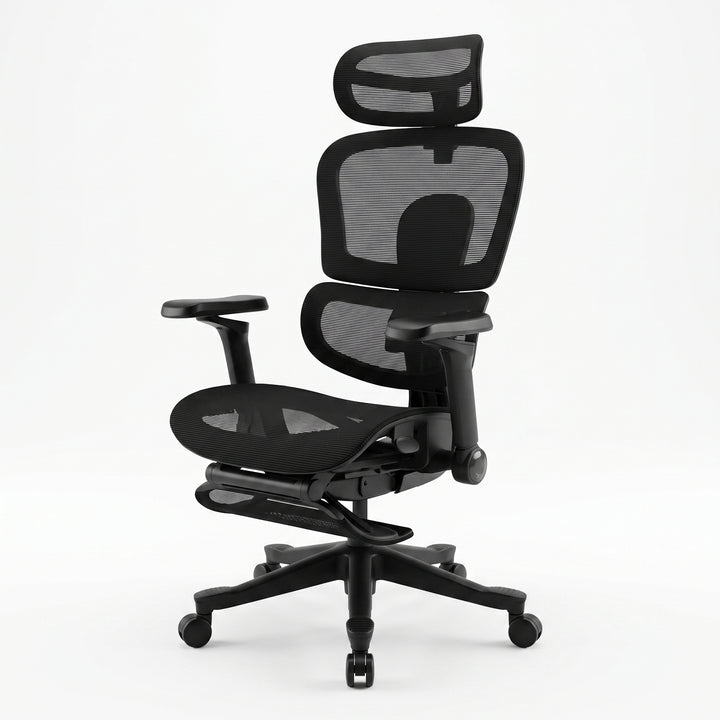
A breathable back can be a practical choice in Singapore's warm, humid climate, especially for a chair used in a room without constant air-conditioning. It is still secondary to fit: a chair that breathes well but leaves your lumbar area unsupported is not the better ergonomic choice. The Flex Ergonomic Mesh Chair pairs a breathable mesh back and adjustable lumbar support with 5D adjustable armrests, a 4D ergonomic headrest and a 140 degree recline.
Office chair or gaming chair?
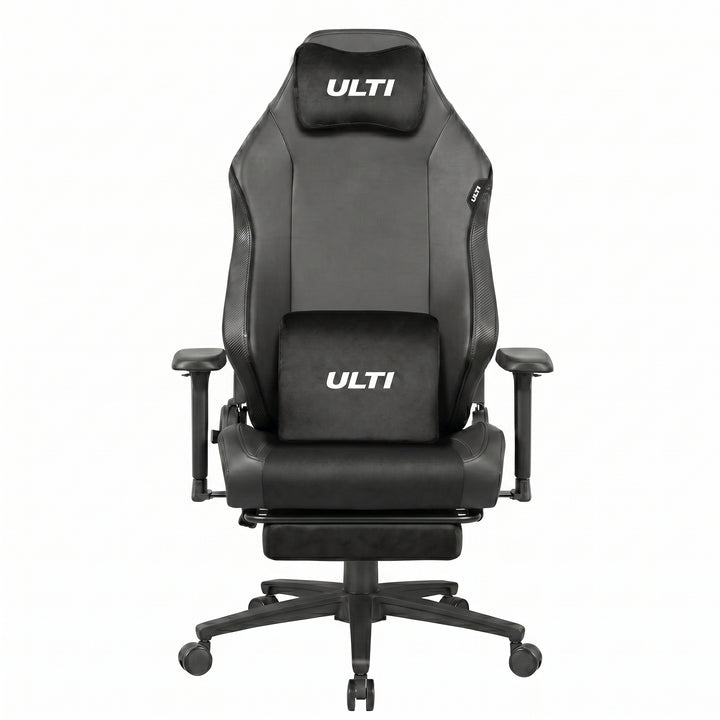
An office-oriented chair is often the simpler choice when the main job is typing, calls, and focused work. A gaming-oriented chair can make sense when you also spend long sessions reclined, but only if its seat and armrests let you keep a comfortable working position. Test or compare the adjustment controls, not the category label.
Compare current Ulti chair availability
The live comparison below is deliberately separate from the buying advice: it reads the current product listings instead of treating an old guide as a stock report. Use it to see which chair pages currently have purchasable variants, then return to the criteria above before deciding.
Set the chair up with the rest of the workstation
Set chair height first, then use the standing desk height and sizing guide to match your keyboard height. A monitor arm guide can help with screen position, and the ULTI ergonomic chair range is the simplest place to compare the current chair options. If you are working in a smaller room, plan desk and chair clearance with the HDB home office guide.
FAQ
Is an ergonomic chair worth it for working from home in Singapore?
It is worth prioritizing if you sit for long periods and your current chair cannot be adjusted to support your lower back, feet, and arms. Start with fit and adjustment; extra features only matter when they improve how you sit at your own desk.
Are gaming chairs ergonomic enough for office work?
Some can be suitable when the seat, armrests, and backrest adjust to your working position. Check those points in a desk-work posture before treating a recline-focused design as an ergonomic office solution.
How do I know if a chair fits my desk?
Set the chair so your feet are supported and shoulders relaxed, then adjust the desk or keyboard position to meet your elbows. The desk height guide explains the measurement process, and the product page should be checked for the chair's listed adjustments.
Bottom line
Choose by the posture you can actually achieve: lower-back support in the right place, a comfortable seat position, relaxed shoulders, and a desk height that matches. Use current availability only as the final filter, not as a substitute for fit.
Comparing ergonomic office chairs?
Match your work style with published ULTI chair adjustment, recline and mesh details.
Find an ergonomic chair